





Related: Fleet Response Reveals Smartphone App at Client Appreciation Event
Fleet Response Mobile: Help in Your Driver's Hands
Accident management and repair assistance is now the palm of your driver’s hands.
May 19, 2020
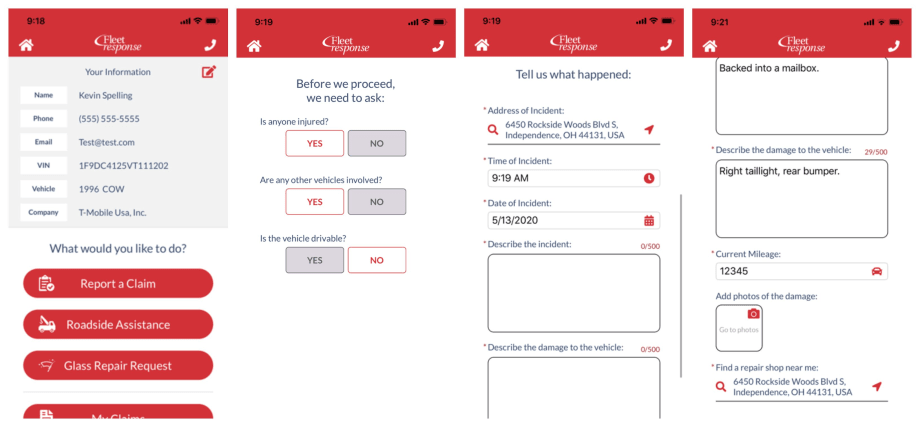
Through the Fleet Response Mobile App, drivers or their managers can report a claim, request roadside assistance, and request glass repairs.
Images: Fleet Response
3 min to read
Fleet Response focuses on helping fleet managers reduce the cost of accidents for self-insured fleets.
The company provides mobile safety programs, claims and repair management, and effective subrogation of third-party liability cases.
To help drivers after a crash or incident, request roadside assistance, or even schedule glass repairs, Fleet Response Mobile was developed.
Help in Your Driver's Hands
Fleet Response is built on an insurance background. Helping to manage the entire lifecycle of a claim – from the initial first notice of loss, management of the repair process, recovery of subrogation, and resolution of the bodily injury claim.
Through the Fleet Response Mobile App, drivers or their managers can report a claim, request roadside assistance, and request glass repairs.
“Fleet Response Mobile is easy-to-use to help quickly report a claim. Based on the information we receive, we are able identify your vehicle, company, and custom reporting processes,” said Jeff Fender, VP Sales and Marketing of Fleet Response.
The mobile app is a fast and easy way to report non-injury, single-vehicle claims.
Work Truck editors had a chance to check out the app and found it to be super simple to use and incredibly intuitive.
Intuitive App Response
Using Fleet Response Mobile is straightforward. After you log in, you can choose the “Home” icon in the top left at any time to return to the “Welcome” screen or select the “Phone” icon in the top right at any time to connect to a Fleet Response representative.
To start a claim, the user first enters or scans his or her vehicle identification number (VIN) and then enters his or her contact information.
Next, the user is presented with the “Report a Claim” option.
Once the user answers a few preliminary questions, the next step pops up regarding possible injuries or additional vehicles that may have been involved.
If the driver was injured, if another vehicle was involved, or if the fleet vehicle is not drivable, the user will be prompted to contact Fleet Response for immediate assistance.
After the user completes each of the required fields, he or she is prompted to upload damage photos directly to the app.
Each address field can be changed to identify the location of the incident and to locate a shop near the driver.
Next, the app prompts the user to choose a body shop. He or she can click “Select This Repair Shop” or, to view other area shops, click “Next Repair Shop.”
Users can review their claim information and click a red “pencil icon” to edit or correct information.
Finally, selecting the “Submit Your Claim” assigns a Claim Number and a dedicated Claim Representative.
Users can choose to screenshot this page for their records with a simple click of the camera icon.
Ready to Go
And that’s it! Drivers and their managers can check their claim status, the vehicle’s claim history, and communicate with their Claim Representative all through the “My Claims” feature in the app.
Fleet Response Mobile App can be downloaded from Google Play or the Apple Store.
Subscribe to Our Newsletter
More Technology
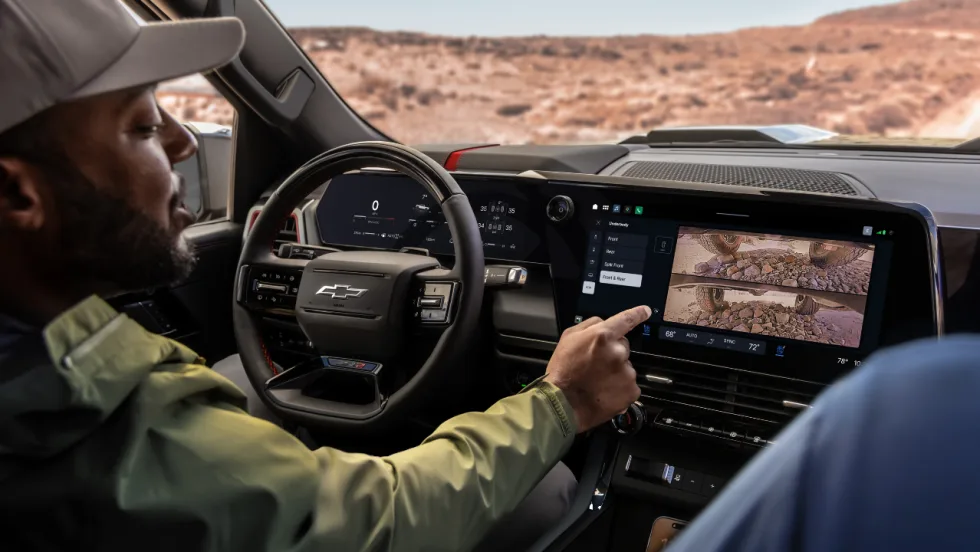
GM Brings New Truck Focused Interface to 2027 Silverado and Sierra
GM's new pickup interface puts trailering data, camera views, vehicle controls, and smartphone integration closer to the driver in the 2027 Silverado and Sierra.
Read More →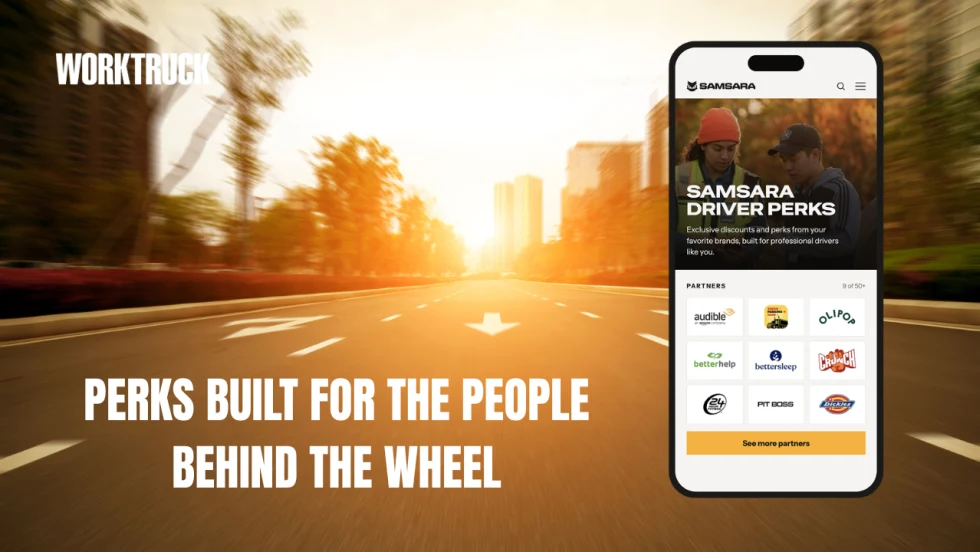
Samsara Driver Perks Expands Rewards Beyond the Long Haul Driver
Samsara’s new driver rewards program was built with a broader professional driver in mind, including employees who split their day between driving, job sites, service calls, and other work.
Read More →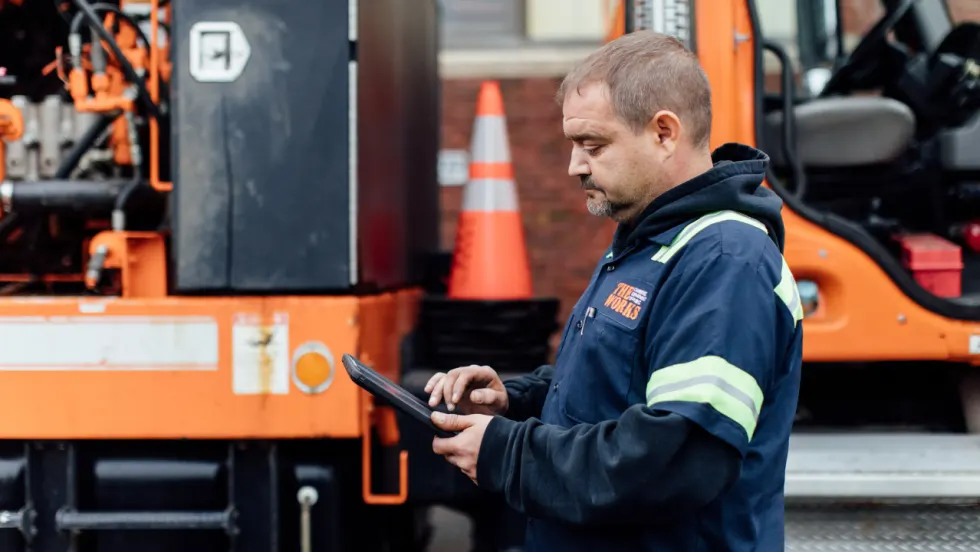
AI Service Advisor Aims to Cut Fleet Repair Downtime
Fleetio said its AI Service Advisor can help fleets cut repair downtime by an average of 2.5 hours per repair while reducing manual maintenance work.
Read More →
Verra Mobility Launches AI-Driven Title & Registration Solution
Verra Mobility has launched a new AI-driven Title & Registration platform to help fleets move vehicles from acquisition to the road the same day while reducing compliance risk.
Read More →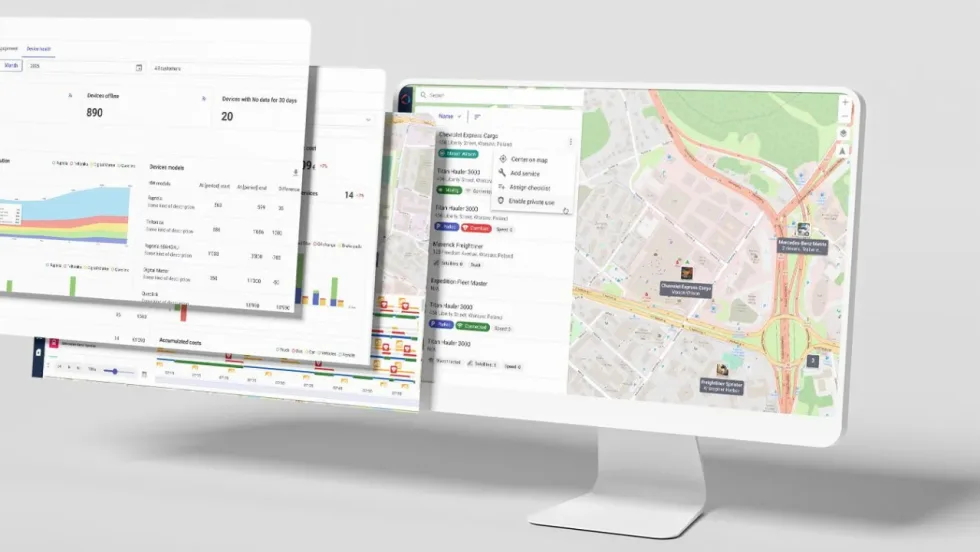
Wialon Unlocks OEM Data to Give Fleet Owners Data Ownership & Operational Clarity
Wialon has introduced hardware-free OEM integration as the EU Data Act accelerates the shift in vehicle data access across the fleet industry in many countries.
Read More →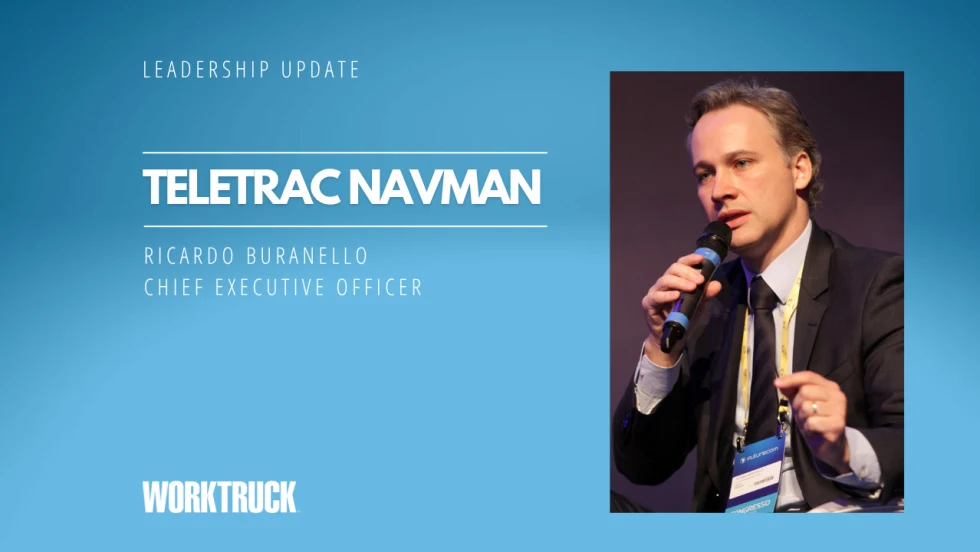
Teletrac Navman Promotes New CEO from Within
Teletrac Navman’s next CEO, Ricardo Buranello, has served as the company’s chief financial and operating officer. He brings deep financial and operational expertise, a strong strategic orientation, and an intimate knowledge of the business to his new role.
Read More →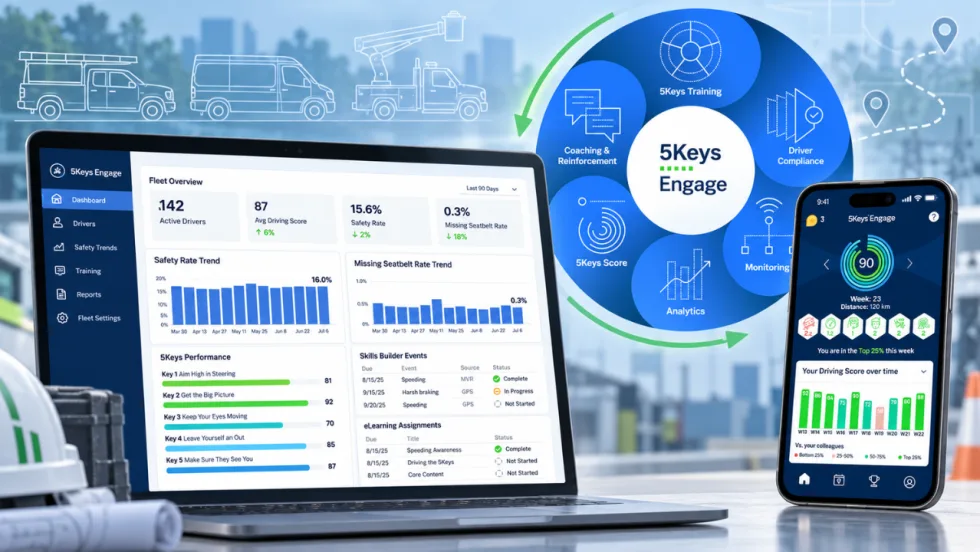
Smith System Wants Work Truck Fleets to Look Beyond the Driver Alert
Smith System’s new Driver Risk Management program is built to help mixed work truck fleets turn telematics alerts and observations into specific behaviors, coaching actions, and measurable follow-up.
Read More →
Ford Pro Software Updates: August 26
Check out the latest Ford Pro software updates, including Google Maps integration, Remote Vehicle Alarm integration, Motor Pool for easier management of shared pool vehicles, and more.
Read More →
Where AI Is Actually Saving Fleet Managers Time
AI is moving past the buzzword stage and into the daily fleet workflow. Fleetio’s Brianna Perry Lang breaks down where fleets are seeing real time savings, from maintenance and data entry to repair decisions, safety, and compliance
Read More →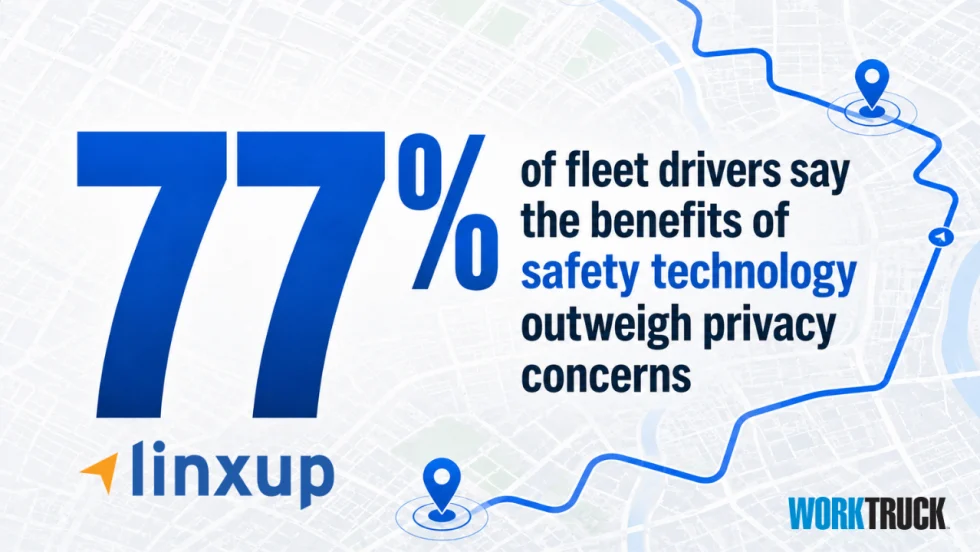
Are Work Truck Drivers Warming Up to Dash Cams and GPS Tracking?
A new survey finds field-service drivers may be more comfortable with dash cams and GPS tracking than fleet managers think, especially when the technology helps protect them after a crash.
Read More →