




A Walkthrough of the DataQs Process
Bad data on your carrier record can cost you. Here’s how DataQs helps fleets challenge errors before they hit CSA scores, insurance, and your bottom line.


DataQs allows fleets and drivers to challenge inaccurate inspection, crash, and compliance data that could negatively affect CSA scores, insurance costs, and a carrier’s reputation.
Work Truck
Imagine being told that one of your trucks was put out of service at a weigh station in a state where you don’t even operate. Upon further investigation, you confirm what you already know: it’s not your truck or driver.
The longer you wait to straighten things out, the more likely this bad data will cost you real money (insurance, reputation, CSA scores). How do you correct the error?
DataQs Challenges for Fleets
DataQs can help fix inaccurate data on your motor carrier’s record. It’s an electronic system designed by the Federal Motor Carrier Safety Administration (FMCSA) that enables users to file Requests for Data Review (RDR). RDRs challenge data in the Motor Carrier Management Information System (MCMIS).
MCMIS is a federal database that houses roadside inspection reports, DOT-recordable crashes, and investigation results. DataQs can be used by drivers, motor carriers, federal and state agencies, the public, and industry to file concerns about federal and state data maintained in the MCMIS. However, users must sign up for a DataQs account to submit an RDR.
When to Submit an RDR
Common reasons to submit RDRs include:
- A misidentified carrier on a roadside inspection or crash report,
- A known roadside inspection not appearing in the carrier’s data,
- A request for a copy of a roadside inspection report,
- An erroneous roadside inspection violation,
- An accident not meeting the definition of a DOT-recordable crash, and
- A non-preventable crash.
Build Your Case
The DataQs site guides you through the RDR process. It asks for the request type, reason for your request, a short narrative explaining your challenge, and any supporting documents. To be successful, a DataQs filing must support your arguments.
You need to build your case, so make sure to:
- Know what really happened by interviewing all involved and investigating the facts. Don’t take someone’s word for it.
- Check the regulations and official interpretations.
- Put together a well-thought-out argument to be used in the narrative.
- Upload supporting documents and pictures.
Be clear on what you’re challenging. This includes:
- Be specific, not general.
- Reference correct regulations and interpretations.
- State facts, not opinions.
- Be clear, concise, and accurate.
Note that successful DataQs’ decisions have no effect on traffic tickets, but positive results in traffic court can be used as supporting documentation in a DataQs challenge.
What About the Decision?
After the challenge is filed, the FMCSA doesn’t make the determination. Instead, the agency automatically forwards the RDR to the appropriate state motor carrier safety office, where it is reviewed and investigated. Generally, a filer should hear back within 14 days, even if only to confirm they are working on it.
If the RDR is denied, the carrier can challenge the state’s decision. However, states will only entertain challenges to the initial decision if additional information is provided. Even though the FMCSA reviews all challenges, they don’t intervene in RDR outcomes. They consider the state’s decision as final.
One key item to remember!When developing a case for DataQs, remember that you must prove your claims by building your case and providing supporting documentation. Failing to do so will negatively impact your motor carrier’s safety data and your bottom line.
Quick Answers
DataQs is an electronic system developed by the FMCSA to enable users to file Requests for Data Review, thereby helping to correct inaccurate data on motor carrier records.
*Summarized by AI
More Safety & Compliance
Fleetworthy Expands Expedited Inspection to 5 States
Following its industry-first launch in Nevada, Fleetworthy’s automated inspection technology is now live in California, Michigan, Vermont, and Maine.
Read More →
Crossing State Lines in a Light-Duty Work Truck? Check These Rules First
Crossing state lines in a lighter work truck? J.J. Keller's Kathy Close explains when IRP registration, trip permits, and towing rules come into play.
Read More →
GeoFencing Adds to Your Truck Security Arsenal
Geofencing is a familiar fleet tool today, but its early adoption marked a major shift in vehicle tracking, route monitoring, and the debate over employee privacy.
Read More →From Our Partners




Recalls You Need to Know About in October 2026
In October 2026, what recalls might impact your fleet? Work Truck has the answers in this comprehensive overview of recent NHTSA recalls.
Read More →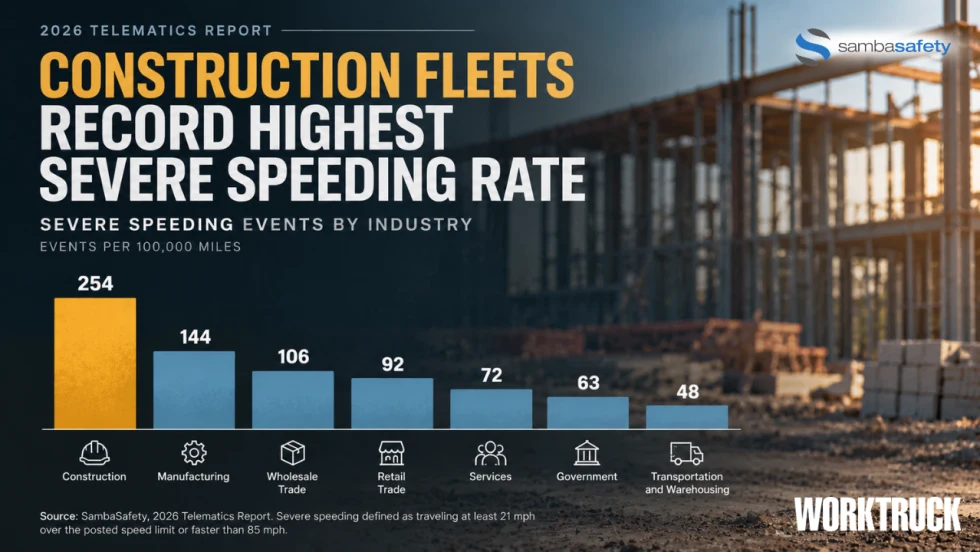
Construction Fleets Show Telematics Adoption Alone May Not Reduce Driving Risk
SambaSafety found construction fleets monitor roughly 92% of their vehicles but recorded the highest severe speeding rate among industries studied.
Read More →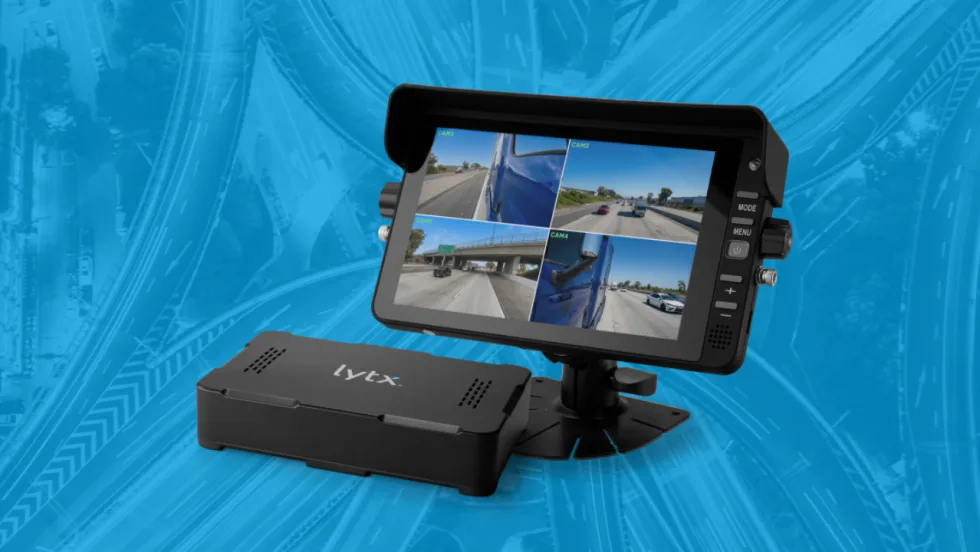
Lytx Launches 360 Hub Kit for Expanded Fleet Camera Visibility
Lytx’s new AI-ready gateway and HD auxiliary camera ecosystem, the Lytx 360 Hub Kit, extends visibility across side, rear, cargo, and blind-zone views to help fleets see more and respond faster.
Read More →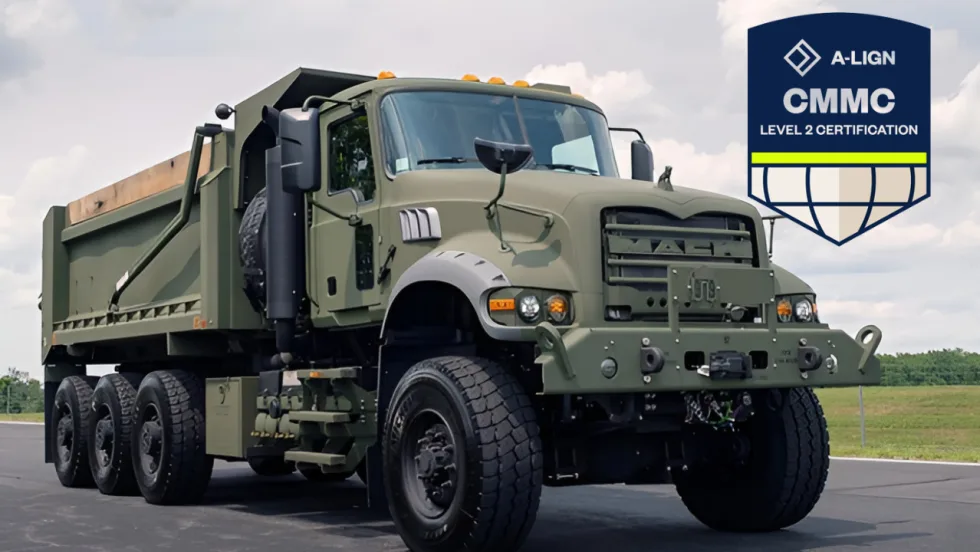
Mack Defense Achieves Cybersecurity Maturity Model Certification Level 2
After an assessment conducted by an authorized Certified Third-Party Assessment Organization (C3PAO), Mack Defense has achieved Cybersecurity Maturity Model Certification (CMMC) Level 2.
Read More →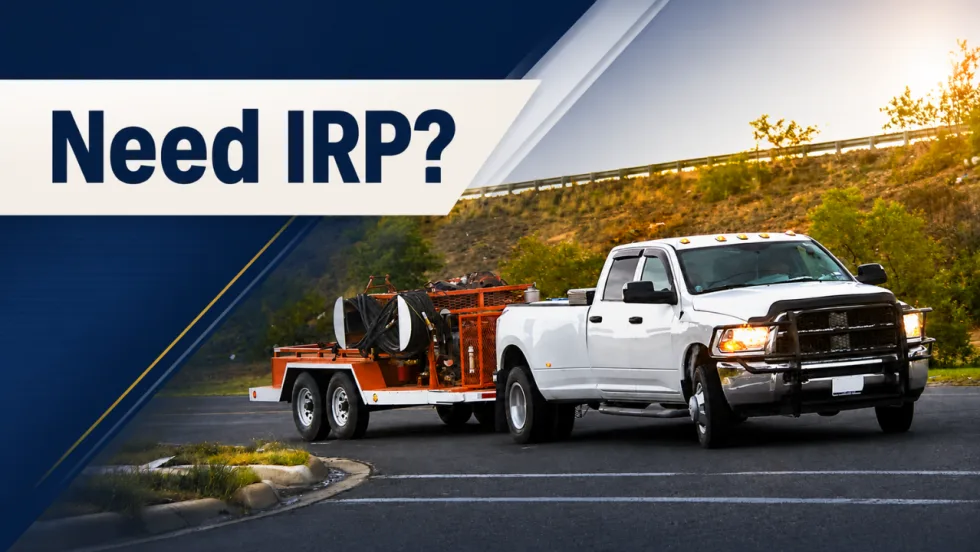
When Work Trucks Under 26,001 Pounds Need IRP Registration
Think trucks under 26,001 pounds are automatically in the clear when it comes to IRP? Not always. Learn where lighter vehicles can still run into trip permit, apportioned registration, and IFTA compliance requirements when crossing state or provincial lines.
Read More →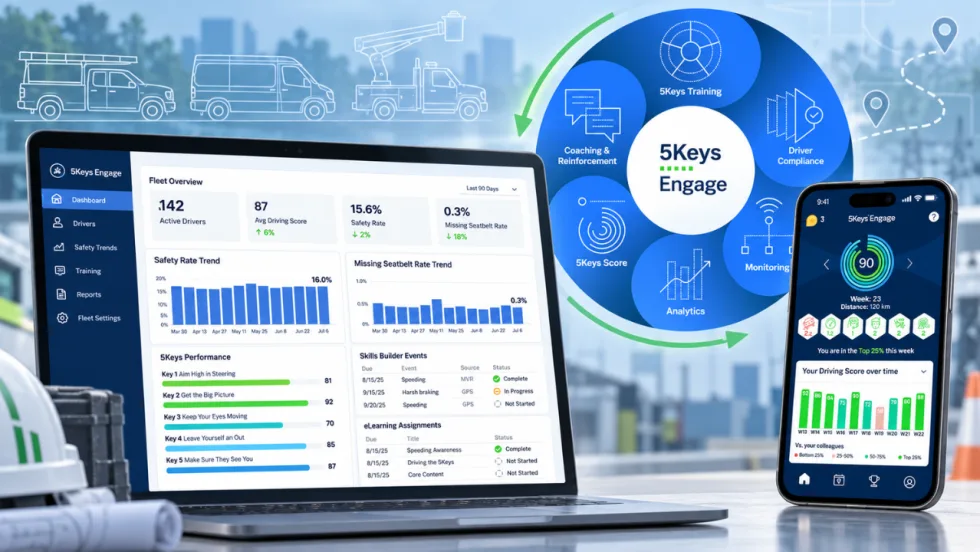
Smith System Wants Work Truck Fleets to Look Beyond the Driver Alert
Smith System’s new Driver Risk Management program is built to help mixed work truck fleets turn telematics alerts and observations into specific behaviors, coaching actions, and measurable follow-up.
Read More →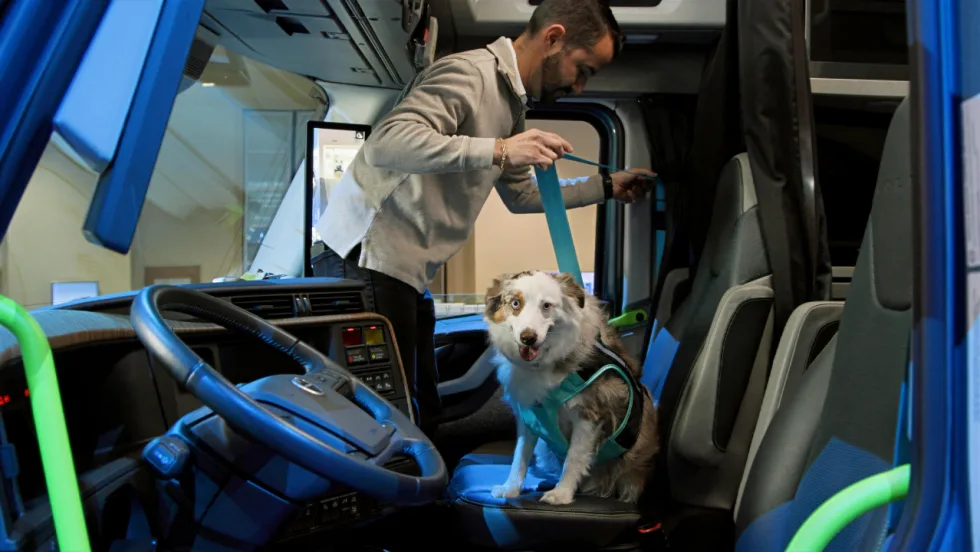
Volvo Trucks Releases New Safety Recommendations for Traveling with Pets
One of the most important recommendations for professional drivers traveling with pets is to ensure pets are properly restrained while the truck is moving. Other tips are available in the new guide from Volvo Trucks North America and Center for Pet Safety.
Read More →