




Making the Most of Digital Work Orders
Work orders can do more than track service—they can reveal shop inefficiencies, optimize PM schedules, and reduce downtime. Learn how to collect and use the right data.

Labeling work orders by delay type, asset class, or repair priority gives fleet managers the data needed to pinpoint and fix workflow issues.
Photo: Work Truck
When it comes to managing the health of the fleet, work orders are one of the best tools for the job, providing a look into everything from shop productivity and bottlenecks to parts inventory, asset status and, of course, cost. But work orders can be somewhat of an unsung hero.
Really understanding what work order data to collect, as well as its role in fleet reporting, can give you better insights into service workflow inefficiencies while shining a light on where — and how — to improve those workflows, including preventive maintenance (PM) programs and scheduling, asset replacement schedules, optimal inventory counts, and more.
Collecting the Necessary Data (and Then Some)
The benefits you can gain from collecting work order data varies depending on what information you collect — provided that information is reliable and you’re collecting it consistently.
Most work orders have your basic line items but there are a few additional items and pertinent data points you can add to work orders to ensure you’re getting all the data you need to surface and source costly issues, whether mechanical or procedural. These include (but are not limited to):
Estimated versus actual service duration
Repair priority class
Labels
Using Work Order Data for Decision-making
Collecting data is only half the battle. How you use that data, though… well that can make a world of difference. Let’s break down a few ways to analyze collected work order data to surface areas for improvement.
Estimated versus Actual Service Duration
One of the best ways to gauge shop productivity, technician productivity and competency, and workflow bottlenecks is by comparing estimated versus actual service duration. You can look at service duration in one of two ways: the amount of time an asset spends in the shop from drop off to pick up, or the amount of time a service task actually takes.
When calculating the former, it’s important to take into account that operators may not be dropping an asset off at the scheduled time or there could be a delay in asset retrieval once service is performed. This broader approach can highlight issues like communication bottlenecks between the shop and operators that are causing unnecessary downtime or productivity delays.
On the other hand, tracking active service times can highlight how much time a technician is spending on a service task. This may be harder to do when tracking service manually or using maintenance spreadsheets, but if you’re using a digital fleet solution, the task becomes significantly easier.
Fleet solutions provide digital work orders technicians can access from a computer, tablet, or mobile device and allow technicians to clock in and out of work orders as they go. Plus, you can add estimated service durations to quickly compare the estimated versus actual service times, which helps surface workflow issues — like understaffing or scheduling issues — and technician proficiency so you can assign work orders based on technician skill and availability.
Repair Priority Class
Tracking repair priority class on work orders allows you to determine where the brunt of the service spend is going. You can categorize services as scheduled, non-scheduled, or emergency, then on a monthly or quarterly basis, assess which category is seeing the highest numbers, both in cost and frequency.
If PM — typically categorized as scheduled service — makes up the lowest percentage of service spend, it may be time to reevaluate and strengthen your fleet’s PM practices. If you’re noticing a high volume of non-scheduled or emergency services, you may want to check the fleet's PM and inspection rate compliance or even driver behavior patterns.
Repair priority class can also provide some context into lengthy service durations and provide insights into how — and how much — unscheduled service affects shop workflows, and what costs are associated with the extended downtime and productivity loss.
Labels in Work Orders
Using labels in your work orders allows you to further organize service based on criteria of your choosing. You can use labels to break down service by asset type, acquisition year, and/or by location for fleets with multiple shop locations.
You can also use labels to establish reasons for service delays — such as waiting on parts or waiting on technician availability — and you can stack labels for more pointed insights. So, for example, let’s say a technician has two open work orders, one with a scheduled priority class and one with an emergency priority class. You have the tech jump on the priority task and return to the scheduled service once finished, but this causes a delay in the scheduled service duration.
You can add a label to the scheduled service work order, something like delay due to a critical issue. Now when you pull your service reports, you can see not only how much downtime was caused by the asset needing the emergency repair, but also the downtime it caused on the scheduled side.
Speaking of reporting, when using labels, consistency is important, as this allows you to filter the service reports you need based on the label used. Basically, don’t use waiting on a part and waiting for a part, rather choose one and stick with it so that any time you want to see downtime related to parts delays, for example, all work orders with that label will be displayed.

Digital work orders help fleet teams track service progress, compare estimated and actual task times, and reduce costly downtime.
Photo: Work Truck
Automate Data Collection and Reporting
Using digital work orders in a fleet optimization platform makes collecting and analyzing work order data a lot more manageable and provides better insights into shop processes. Plus, it automates data collection for better consistency and more uniform reporting.
In addition to the data points mentioned above, digital work orders also track work order statuses in real time — that is, whether a work order is open, pending, completed, needs approval, or approved. This data point can help you better manage workloads and determine where inefficiencies lie.
If you have a pending work order, for instance, and it has the label waiting on parts, there could be an issue around in-house parts stocking, whereas if the work order has a waiting on open technician label, then the issue could be improper staffing or scheduling.
Service reports in a digital fleet solution are automatically generated based on work order data and, because reports are filterable, you can quickly see how many assets spent unnecessary downtime in the shop and why. While work orders are a standard in fleet, the data you can gain from them goes well beyond cost.
More Maintenance
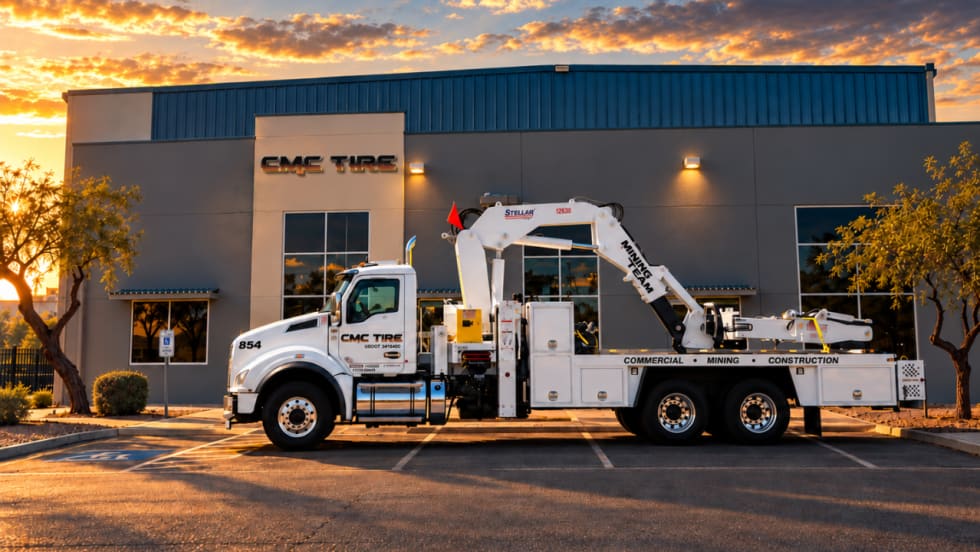
Les Schwab Expands Commercial Tire Footprint Into Arizona
Les Schwab Tires has expanded into Arizona with two commercial tire locations in Phoenix and Tucson, strengthening its fleet service footprint in the Southwest.
Read More →
Volvo Trucks’ 'Lock and Leave' Software Updates Go Live Across North America
Unattended over-the-air software updates are now available in Volvo trucks across the U.S. and Canada. The new capability lets trucks stay current with the latest software without interrupting operations or requiring a dealership visit.
Read More →
Why Technician Appreciation Can’t Be a Once-a-Year Thought
For fleets trying to keep skilled technicians, recognition cannot begin and end with Technician Appreciation Week. Learn what year-round appreciation really looks like and why the everyday technician experience matters just as much as pay when fleets are trying to keep good people.
Read More →
How Faster Driver Reporting Can Keep Small Truck Problems Small
When minor damage, warning lights, or equipment issues are reported late, small problems can quickly become bigger maintenance headaches. Conversational AI can help shorten the path from what a driver notices in the field to the person who can act on it.
Read More →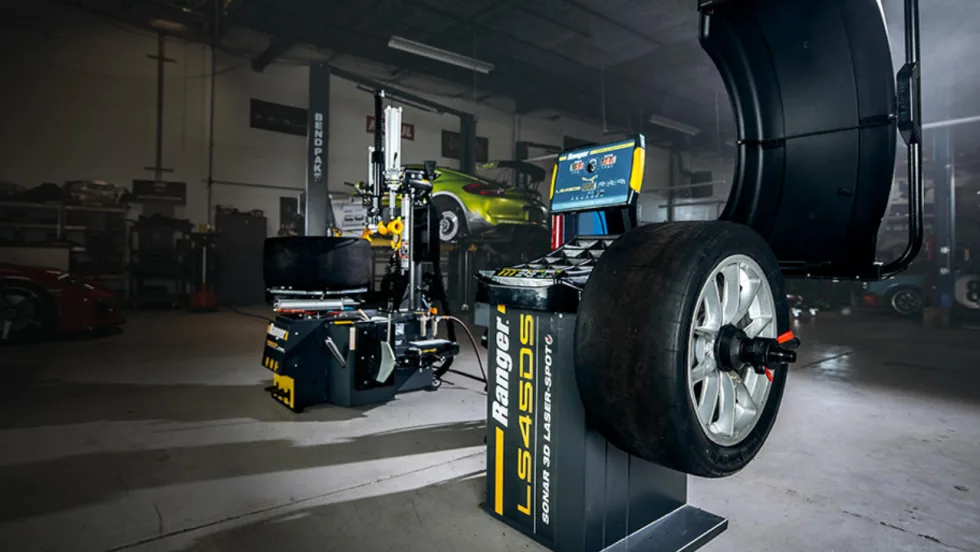
BendPak’s Ranger Wheel Service Equipment Achieves North American Safety Certification
BendPak’s full line of Ranger tire changers and wheel balancers has been ETL certified to UL and CSA standards to improve operator safety.
Read More →
Isuzu & U.S. Department of Labor Celebrate Milestone for Veterans Apprenticeship Program
The Isuzu Veterans Apprenticeship Program (IVAP) signing ceremony highlighted Isuzu’s long-term commitment to veterans, Isuzu dealers, and the skilled workforce supporting its customers and the commercial transportation industry.
Read More →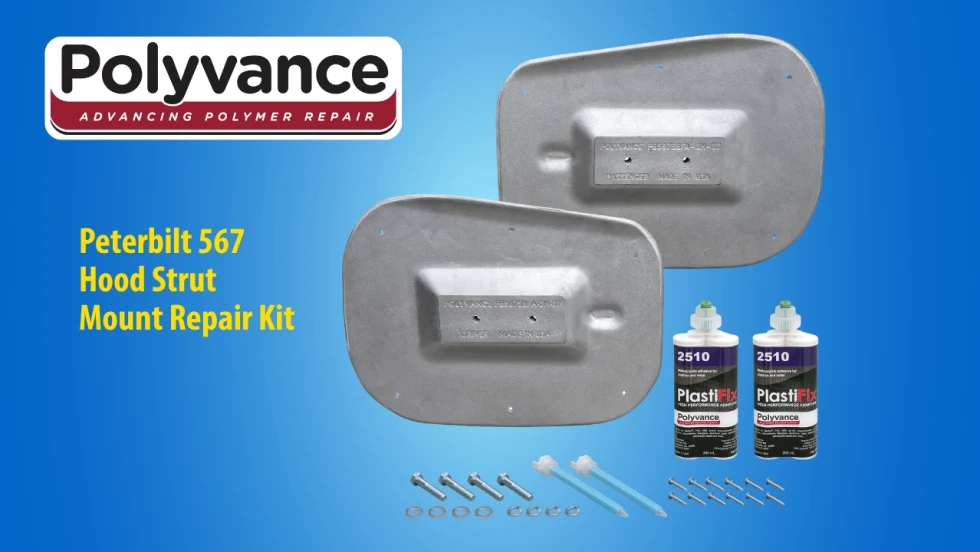
Polyvance Introduces New Peterbilt 567 Hood Strut Mount Repair Kit
Polyvance has launched a repair solution for Peterbilt 567 hood struts, helping truck owners and repair facilities avoid costly hood replacements.
Read More →
Cox Automotive Celebrates Technical Excellence at 2026 Top Tech Finals
The top technicians from Cox Fleet and Manheim tested their skills in Nashville, Tennessee, at Cox Automotive’s 2026 Top Tech Finals. The overall winners will advance to compete at the American Trucking Association’s TMC SuperTech competition.
Read More →
Grote Industries Appoints Vice President of North American Operations
Grote Industries has appointed Patrick Smith as vice president of North American operations as it celebrates 125 years of innovation and manufacturing excellence. He has more than 20 years of manufacturing leadership experience.
Read More →
Winter Fleet Prep: Expert Tips to Keep Vehicles Running Smoothly
Cold weather can expose weak batteries, tires, fuel systems, and maintenance gaps fast. Use this winter fleet checklist to prepare trucks and drivers before temperatures drop.
Read More →