




Redtail GPS Announces Service Upgrades
Enhanced mapping, enhanced reporting and a mobile app for on-the-go fleet management are part of the major upgrades on features, the company says.
Redtail GPS, a division of Redtail Telematics, announced May 3 at the 2012 CTIA show that it has launched new customer-friendly features of its Fleet Management System (FMS).
According to Anna Amoresano, Redtail vice president of sales and marketing, “Testimonials from satisfied customers of Redtail GPS are one of our metrics that FMS is best-in-class, and we’re proud to announce these three major new features at the show: enhanced mapping, enhanced reporting and a mobile app for on-the-go fleet management.”
Enhancements to Mapping
Multi-Window Mapping: Redtail now provides the ability to view an entire fleet on one map, with up to three additional map views focused on a specific vehicle or area.
Activity Day Filters: When viewing activity on the map, users may now filter results between two specific days rather than by selecting one month at a time.
Resize Map Windows: Resize the map window with a click and drag function.
New Clustering for Icons and Landmarks: Provides an easier way to identify vehicles that are grouped closely together.
Enhancements to Reporting
Redtail users can now quickly customize and create summary reports, which are particularly useful for verifying time cards, providing electronic proof of service to customers and proof of billing. All reports can be exported in a CSV format to be viewed in Excel or printed as a PDF.
Reports include:
Daily Activity
Fleet Summary
Individual Trip Report
Landmarks
Daily Hours
Notifications
PTO Usage
Off Hours
Idle
Speeding
State-by-State mileage
New Redtail Mobile App:
The app offers users complete control of their FMS from a smartphone or tablet.
From the Home Screen, users can access all aspects of the application including Devices, Alarms, History, Find Nearest to Me and Preferences. These functions can also be selected at any time by clicking on the icons in the toolbar at the bottom of the application.
The Devices section provides a list of all the vehicles in the account. Users will know if the vehicle is currently moving or stopped, the last known location and a timestamp. If there are a large number of vehicles in the fleet, type the first few letters or numbers of the device name in the search bar and jump directly to that device.
Users click Map to view the vehicle’s current location on the Google Map. When accessing the Map, it will automatically zoom to the selected vehicle, remembering the zoom level used previously. The auto-zoom function can be configured in the Preferences menu. Turning it on re-centers the Map on the selected vehicle each time the screen refreshes. The bottom window of the map gives the location information. Information such as speed and alarms can be accessed via icons from the toolbar at the bottom.
Actions for each vehicle include View on Map, Confirm Alarms and Find Nearest. Users can also set their Preferences as to how they view maps, any additional data layers and Device Options.
Fleet managers and business owners can request information by emailing sales@redtailtelematics.com.
More Small Fleet

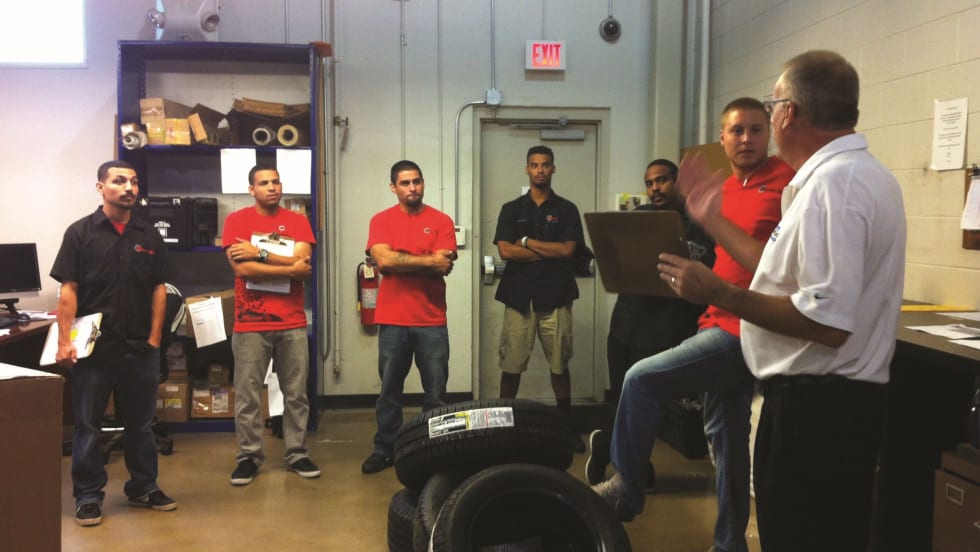
Developing Budget-Friendly Driver Safety Programs
From driver training and safety meetings to one-on-one coaching and incentive programs, several small fleets share how they have developed a safety culture with their drivers using low- to no-cost resources.
Read More →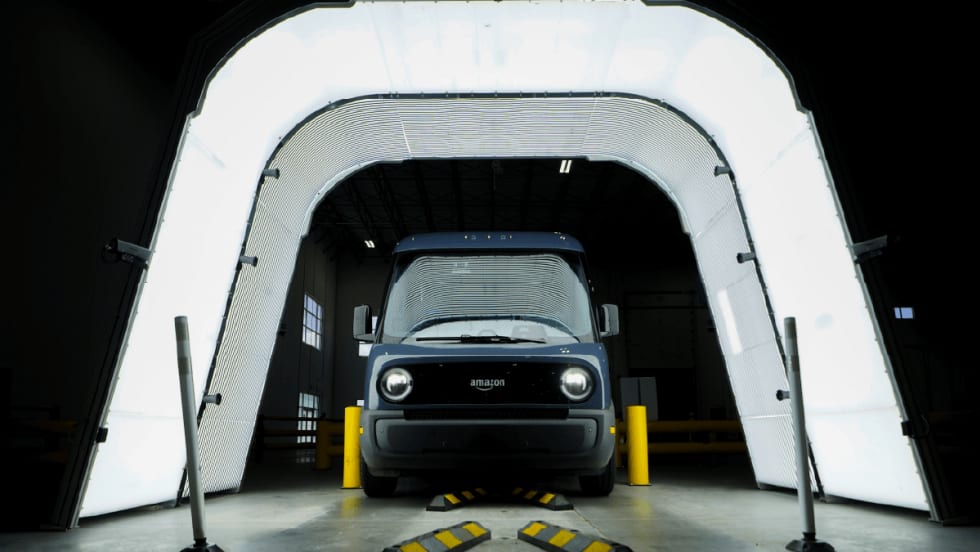
Boosting Last-Mile Fleet Uptime, Safety, and Value with AI Vehicle Inspections
AI-powered inspections are transforming last-mile fleets by replacing manual checks with highly accurate automated scans that detect defects in seconds. By giving fleet operations visibility into the daily condition of their vehicles, you can identify trends over the vehicle’s lifecycle that enable improved procurement decisions, route management, driver training and accountability.
Read More →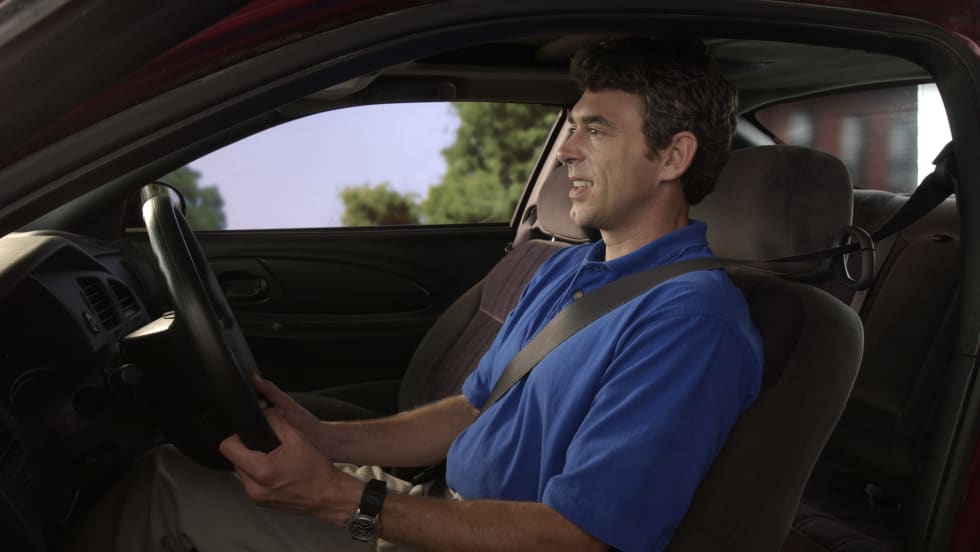
Five Ways Seat Belts Help Prevent Injuries
There are five ways seat belts protect occupants from injuries, according to the Tennessee Department of Safety and Homeland Security.
Read More →
It’s here: The 2026 Fleet Technology Trends Report
What does AI mean for fleets? Get the answer — and learn other top tech trends.
Read More →
Small Fleets, Big Impact: How Independent Drivers Power Wreaths Across America
Check out how small fleets and independent drivers power Wreaths Across America each December and why their impact matters more than ever.
Read More →
VMS Survey Finds 65% of Small Fleet Managers Run Operations Alone
A new VMS survey shows small fleet managers are stretched thin, with most handling operations solo and eager to adopt digital tools for relief.
Read More →
Tips for Driving Safely on Halloween Night
This video features a reminder from the Connecticut Department of Transportation (DOT) and the Connecticut Police Chiefs Association, urging drivers to prioritize safety this Halloween.
Read More →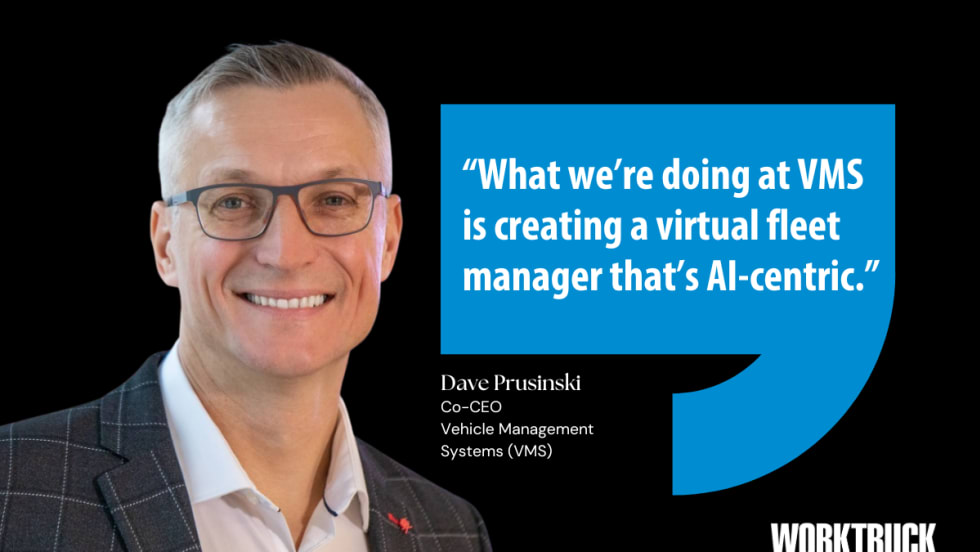
AI, Access, and Uptime: VMS’s Next Chapter with David Prusinski
VMS’s new Co-CEO, David Prusinski, shares how an AI-first approach will give small fleets and repair shops the tools to compete like big players.
Read More →
Fleet Managers Share Winter Prep Tips: It's Never Too Early!
Three fleets share best practices to prep vehicles for winter and prevent downtime when the cold sets in.
Read More →