




How to Build Better Work Orders for Fleet Managers
Learn how digital work orders cut downtime, boost PM compliance and help fleets stay ahead on maintenance.


Paper work orders versus digital fleet workflows. Which one truly keeps your trucks moving?
Photo: Work Truck
If your work orders still live on clipboards, sticky notes, or that one Excel sheet everyone swears they updated but definitely didn’t… you’re not alone. A strong work order process is one of the fastest ways to get a handle on maintenance, downtime and repair costs, and it becomes even more powerful once you take it digital.
We chatted with Bri Perry Lang of Fleetio, who broke down what today’s fleets need to know about work orders, the data behind them, and the big-picture wins that come from getting organized early.
What a Work Order Actually Is (And Why It Matters)
At its core, a work order is the full story of a repair or maintenance task. It includes:
Estimated and actual start and completion times
Parts used
Service tasks
Technician labor
Priority level
Total cost
Think of it as the official receipt for your vehicle’s health. Without it, there’s no reliable way to understand why downtime might be creeping up, where costs are spiking or how often certain issues repeat.
When that work order is digital, the picture gets even clearer. Real-time information makes it easy to spot trends, pull reports and compare tasks across locations, groups or technicians. You don’t have to hunt through endless pages to figure out why vehicles spent more time in the shop last quarter than the one before.
What Details Matter Most?
Sure, every work order needs the basics, but a few fields make all the difference when it comes to pulling insights later:
Scheduled vs. actual start time: The gap between the two is your downtime indicator. A few hours here and there adds up fast across dozens or hundreds of vehicles.
Repair priority (scheduled, unscheduled, emergency): If emergency repairs start creeping up, something’s going wrong in your preventative maintenance rhythm.
Clear descriptions and categorized service tasks: “Fixed engine” won’t help anyone six months from now. Categorizing tasks is what helps fleets uncover recurring issues.
Why Track Estimated vs Actual Service Duration?
When service tasks consistently take longer than planned, you can dig into:
Technician skill or training
Whether maintenance schedules need adjustment
Whether certain jobs get delayed because staffing is thin
It also gives context when presenting to leadership. If downtime rose during that quarter when your shop was down three techs, digital records help prove that the team was actually working incredibly efficiently under pressure.
The Power of Tracking Repair Priority
Repair priority is one of the easiest ways to see the health of your whole maintenance program. When you track scheduled vs unscheduled vs. emergency repairs, you can:
Catch patterns of rising emergency work
Understand where costs are ballooning
Fleets with strong PM programs have less downtime, fewer surprises, and much easier budgeting. But you can’t fix what you don’t measure.
Why Automation Beats Manual Management Every Time
Lang shared a great example: Let’s say a driver spots a large crack in the windshield.
Manual process: Text the fleet manager → approve a vehicle swap → send photos → notify the shop → hope nobody forgets a step → schedule the repair → follow up again → hold your breath.
Digital process: The crack gets logged during an inspection → the fleet manager gets an instant alert → the vehicle is automatically marked out of service → photos and comments move directly into the work order → techs can see everything and handle multiple tasks at once.
Automating even simple tasks means information doesn’t get lost, vehicles move through repairs faster, and team members don’t have to chase each other down.
The Most Common Mistakes Fleets Make
Two big ones:
Missing or inconsistent data: If technicians fill out work orders differently, your reports won’t tell the truth.
Vague descriptions: Not categorizing tasks or writing clear notes leads to guesswork later. And guesswork costs money.
How Real-Time Status Updates Change Communication
Real-time updates make it easier for:
Techs, managers, and parts teams to coordinate.
Drivers to know when vehicles are ready.
Work orders to move smoothly between approval stages.
It cuts down on the endless “Is it done yet?” calls and helps get vehicles back on the road faster.
What Reports Should Fleets Run?
Digital work orders unlock reporting on:
Repair trends and recurring issues.
Vehicle downtime.
Cost breakdowns (labor, parts, service type).
Maintenance cost by vehicle, shop, or location.
Some fleet managers check these monthly, some quarterly, and some annually. The right cadence depends on your fleet, but the key is consistency and making sure the data you’re feeding into the system is complete and accurate.
For Fleets Just Starting With Digital Work Orders
Lang’s top tip: standardize the process from day one.
Set the expectations early on:
What fields must be filled out?
How should techs log tasks?
What does “good” data look like?
Who needs to approve what?
How should changes or refinements be rolled out?
It’s a lot easier to enforce consistency at the start than to go back later and clean up six months of mixed formats and missing details.
And yes, processes evolve. Fleets grow, new locations join, new tools roll out. Just document the changes so you know exactly when your data shifts and why.
More Maintenance
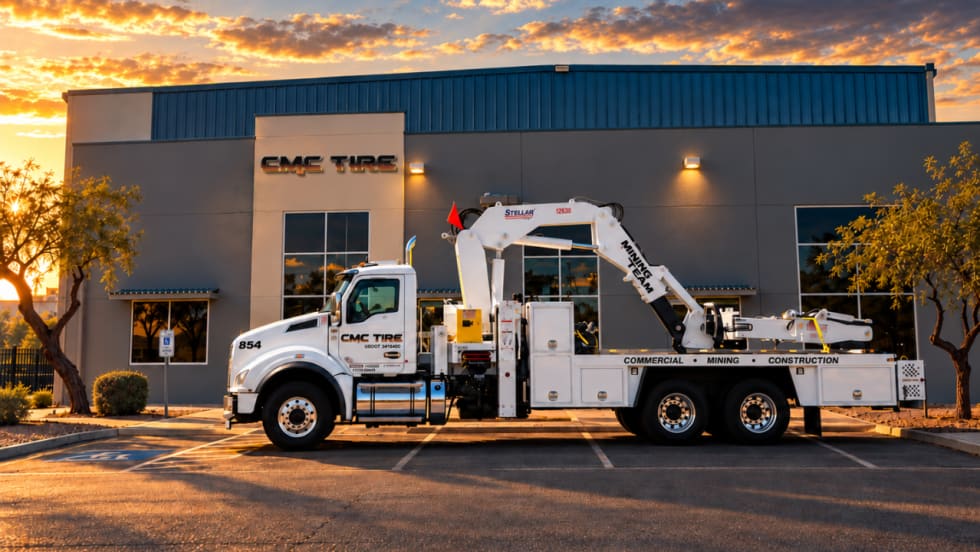
Les Schwab Expands Commercial Tire Footprint Into Arizona
Les Schwab Tires has expanded into Arizona with two commercial tire locations in Phoenix and Tucson, strengthening its fleet service footprint in the Southwest.
Read More →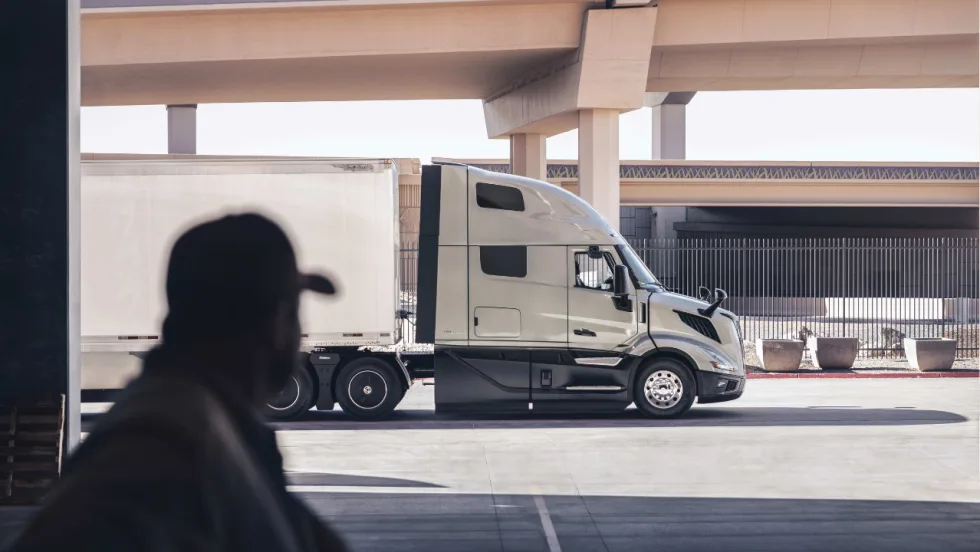
Volvo Trucks’ 'Lock and Leave' Software Updates Go Live Across North America
Unattended over-the-air software updates are now available in Volvo trucks across the U.S. and Canada. The new capability lets trucks stay current with the latest software without interrupting operations or requiring a dealership visit.
Read More →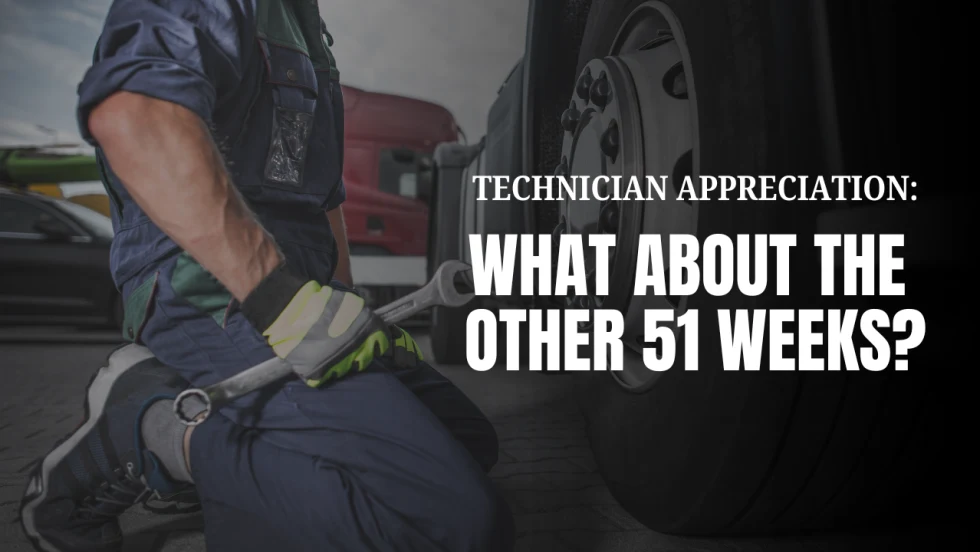
Why Technician Appreciation Can’t Be a Once-a-Year Thought
For fleets trying to keep skilled technicians, recognition cannot begin and end with Technician Appreciation Week. Learn what year-round appreciation really looks like and why the everyday technician experience matters just as much as pay when fleets are trying to keep good people.
Read More →
How Faster Driver Reporting Can Keep Small Truck Problems Small
When minor damage, warning lights, or equipment issues are reported late, small problems can quickly become bigger maintenance headaches. Conversational AI can help shorten the path from what a driver notices in the field to the person who can act on it.
Read More →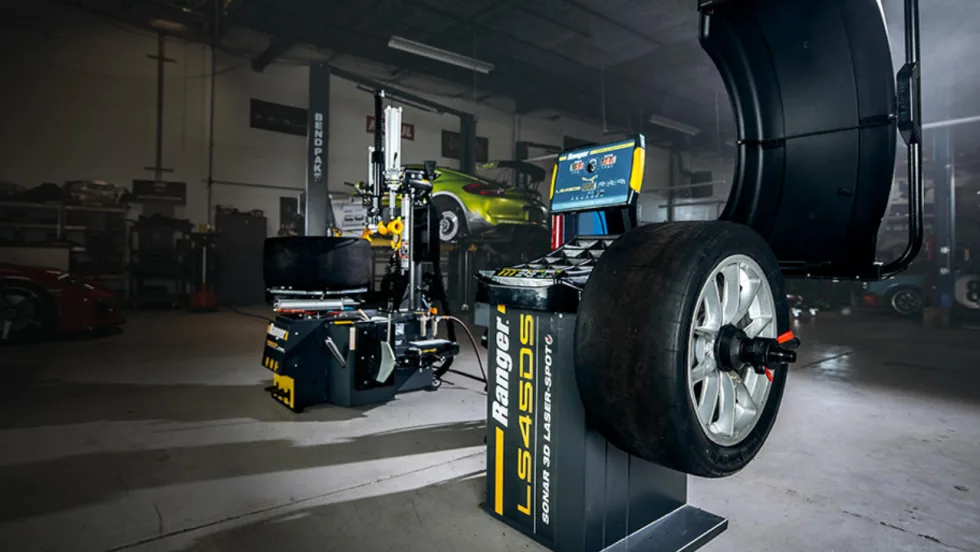
BendPak’s Ranger Wheel Service Equipment Achieves North American Safety Certification
BendPak’s full line of Ranger tire changers and wheel balancers has been ETL certified to UL and CSA standards to improve operator safety.
Read More →
Isuzu & U.S. Department of Labor Celebrate Milestone for Veterans Apprenticeship Program
The Isuzu Veterans Apprenticeship Program (IVAP) signing ceremony highlighted Isuzu’s long-term commitment to veterans, Isuzu dealers, and the skilled workforce supporting its customers and the commercial transportation industry.
Read More →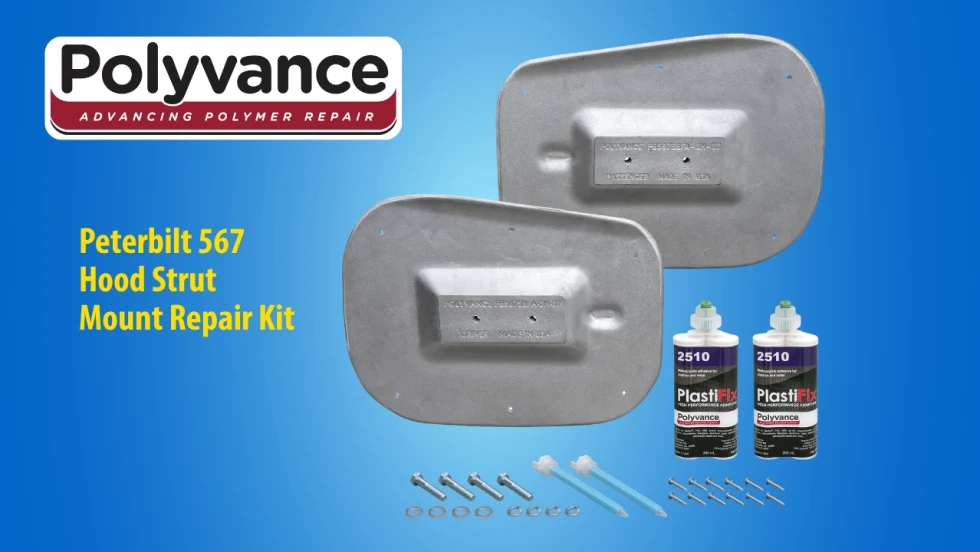
Polyvance Introduces New Peterbilt 567 Hood Strut Mount Repair Kit
Polyvance has launched a repair solution for Peterbilt 567 hood struts, helping truck owners and repair facilities avoid costly hood replacements.
Read More →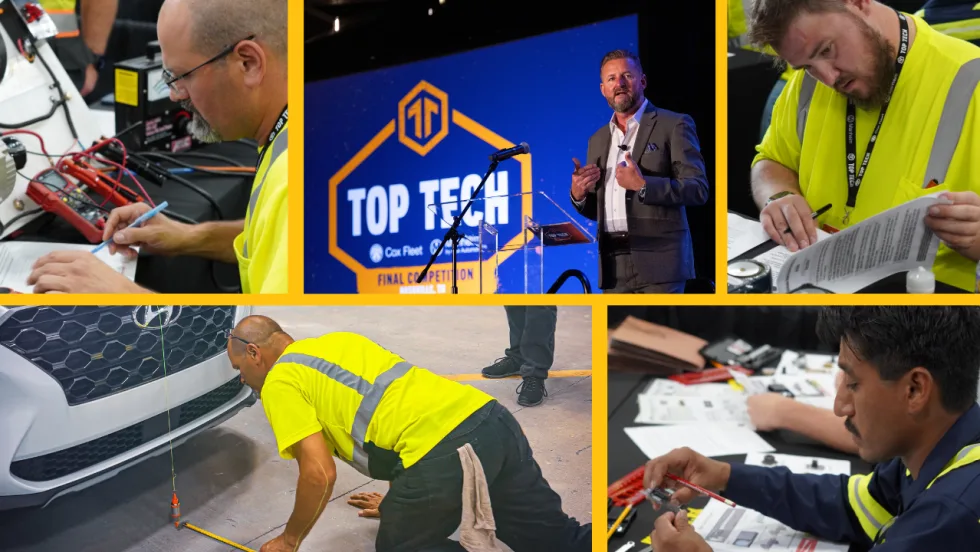
Cox Automotive Celebrates Technical Excellence at 2026 Top Tech Finals
The top technicians from Cox Fleet and Manheim tested their skills in Nashville, Tennessee, at Cox Automotive’s 2026 Top Tech Finals. The overall winners will advance to compete at the American Trucking Association’s TMC SuperTech competition.
Read More →
Grote Industries Appoints Vice President of North American Operations
Grote Industries has appointed Patrick Smith as vice president of North American operations as it celebrates 125 years of innovation and manufacturing excellence. He has more than 20 years of manufacturing leadership experience.
Read More →
Winter Fleet Prep: Expert Tips to Keep Vehicles Running Smoothly
Cold weather can expose weak batteries, tires, fuel systems, and maintenance gaps fast. Use this winter fleet checklist to prepare trucks and drivers before temperatures drop.
Read More →