




Avoiding 5 Common Vehicle Ordering Mishaps
Technology has helped make the vehicle ordering process as accurate and simple as possible, but it still requires human input. Five common ordering errors and how to avoid them are discussed.
It wasn't all too long ago that ordering vehicles was almost an entirely manual process. Spec books were three fingers thick, driver selectors were sent by mail, and vehicle requisitions contained three or four copies. Mistakes were not uncommon, and the process was lengthy.
Today, technology has made the entire process far faster, more accurate, and simpler for all. Drivers can complete online selectors, fleet managers can transfer the selections to online ordering systems, and status can be checked any time online. However, one element of the process remains in place: At some point, someone has to enter the data, and errors still occur. Here are some of these errors, and how they can be avoided.
1. Work with Experts to Spec Trucks
Ordering trucks, or in particular, jobsite trucks, can be difficult and confusing. When trucks are required to carry or tow heavy loads, it is critical to make certain that drivetrain and other components can handle the job. Unless a fleet manager has a background in truck engineering, under- or even over-spec'ing a work truck can cause any number of problems - such as premature failure or weak fuel economy - leading to higher lifecycle costs and potential emergency replacements.
Avoiding truck spec mistakes is a relatively simple matter. If the fleet is leased, every lessor has qualified truck engineers on staff who are experts in building trucks to the job spec. For an owned fleet, the ordering dealer has the same expertise on staff. Use these resources whenever truck specs are developed and vehicles are ordered. Provide a detailed description of the mission, including precise data on loads to be carried or towed, for how long, and under what conditions. Better still, invite these experts to the jobsite, or on a "ride along" with drivers so they can see firsthand what kind of job the truck will be doing. Using the expert resources available will help avoid spec errors and keep fleet expenses in line.
2. Limit Vehicle Color Options
Leaving the color choice to the driver can lead to errors: the wrong shade of green, white instead of silver, gray interior instead of blue. Today's technology can actually make these errors more common, as online box-checking has in some cases replaced handwritten paper requisitions. When picking up the new vehicle, drivers are told to make certain the vehicle is the exact one ordered, and if the color is wrong, they are quite justified in refusing delivery.
Avoiding such errors is a simple matter of having a pre-placement audit process in place, where the fleet manager carefully reviews the order against the driver's selector before the order is placed. If drivers are entering the order, place responsibility for its accuracy there; if the vehicle comes in wrong, require the driver to take delivery.
Another way of avoiding color issues is to limit the colors drivers can choose. A number of fleets order the same color for everyone, not allowing driver selection. Keep in mind that although a vehicle may well be part of a compensation package, or offered to a new employee when he or she is recruited, it is seldom if ever offered "in the color of your choice." Unless the vehicle is purely compensatory (executive) in nature, it is a tool, and the company has every right to choose what vehicle is offered, its color, and its equipment.
3. Ensure On-Time Orders
Getting orders to the lessor (or manufacturer) on time, before build-out, is a crucial part of every year. Unfortunately, sometimes either the fleet manager gets tied up in something else or the drivers don't respond in time, and orders are put in "build-out limbo," where they'll often end up as orders for the next model-year.
First, automate driver notifications; set up automatic e-mails in the company e-mail system (Lotus Notes, for example) so drivers are reminded when they haven't sent in a selector. Pay close attention to missives from the manufacturer, the lessor, or the ordering dealer, who will all keep you up to date on their build-out and final order dates. Ensure odometer readings come in regularly (most companies receive odometer readings via a fleet fuel card program), and run replacement reports early.
[PAGEBREAK]
4. What to Do with a Surplus Vehicle
Sometimes an order is placed for a replacement vehicle and you later find the driver quit, the position has been eliminated, or the vehicle is somehow no longer needed. You really meant to cancel it, but phones just won't stop ringing, and it just fell through the cracks. Next thing you know, you're getting a phone call from the delivering dealer or lessor, asking when the car is to be picked up. Oops!
It happens, and there are both ways to help prevent it and steps to take when it does happen. Try to make sure the cancellation is handled immediately; don't put it in the "to do" pile, where it may well not get done. Keep a list of cancellations, and match them against status reports.
If the order goes through, there are a number of options for the surplus vehicle. One option is to ask the lessor to contact the delivering dealer, who may be interested in taking it into inventory; the lessor can ask any number of dealers in the area if they'll do this. Lessors themselves may be able to find a home for it among their customers. Finally, consider finding a home for it in the company fleet, perhaps by replacing another vehicle close to replacement, or assigning it to a driver who hasn't yet sent a selector but is willing to take the vehicle.
5. Be an Automotive Consultant
It's a nightmare that some fleet managers have to deal with: An executive orders a new car - perhaps even a personal car - and you get a phone call from him or her after it's delivered, asking why the vehicle only has a single CD player or where the power passenger seat controls are.
The simplest way to avoid this is to ensure that when the time comes for an order to be placed, do it if at all possible in person, with the executive. If they haven't test-driven the car yet, try to grab a brass hat for a couple of days. Go through the options and equipment packages available and make suggestions (For example: "Do you think you'll want the power passenger seat?") Once the order data has been captured, go through it once again with the executive before placing the order. Bottom line: Avoid using e-mail or company snail mail. Don't be an "order taker" - be a personal automotive consultant. And get the final order specs signed off before placing the order.
Today's automated ordering systems have helped eliminate many of the order problems of the past. However, these five mistakes, and some others, still happen. Be thorough, be careful, use whatever resources available, and know what the "plan B" is if a mistake is made. FF
Originally posted on Automotive Fleet
More Vehicle Research
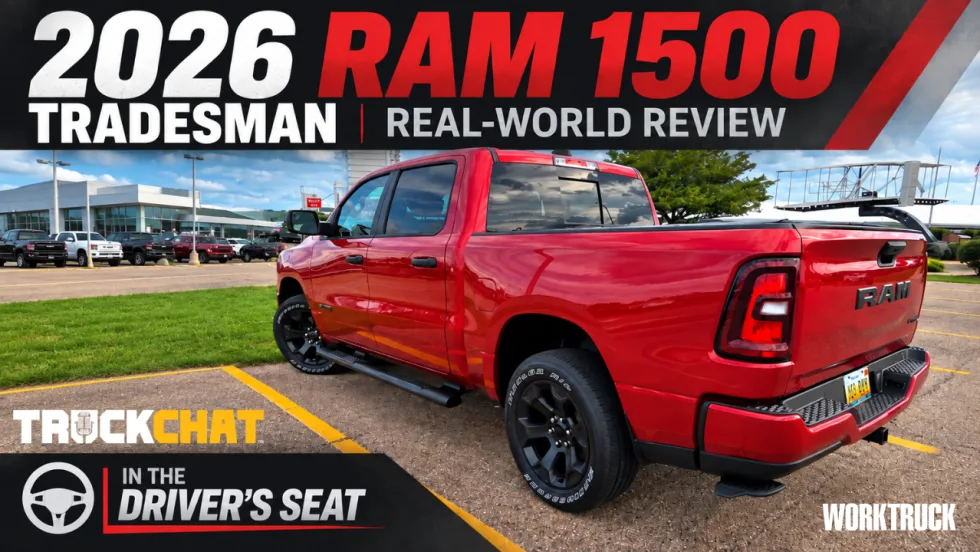
2026 Ram 1500 Tradesman Put to a Real-World Fleet Test
A few days behind the wheel of a 2026 Ram 1500 Tradesman turned into a test of visibility, parking, work-ready features, and even severe-weather driving.
Read More →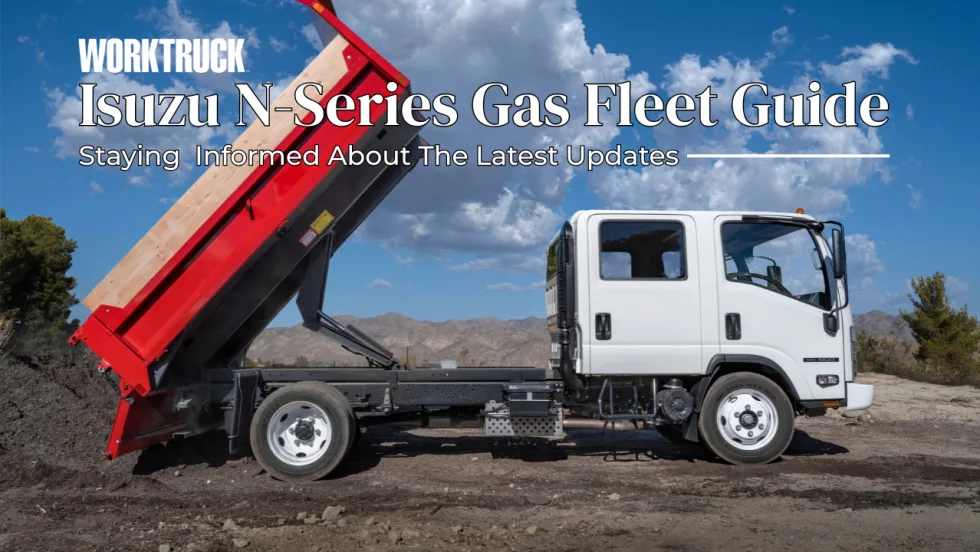
Isuzu N-Series Gas Fleet Guide: Specs, Capability and 2027 Model-Year Updates
Explore Isuzu Truck North America’s N-Series Gas fleet specs, engine performance, GVWR and payload capability, configurations, chassis dimensions, work-focused features, and 2027 model-year information.
Read More →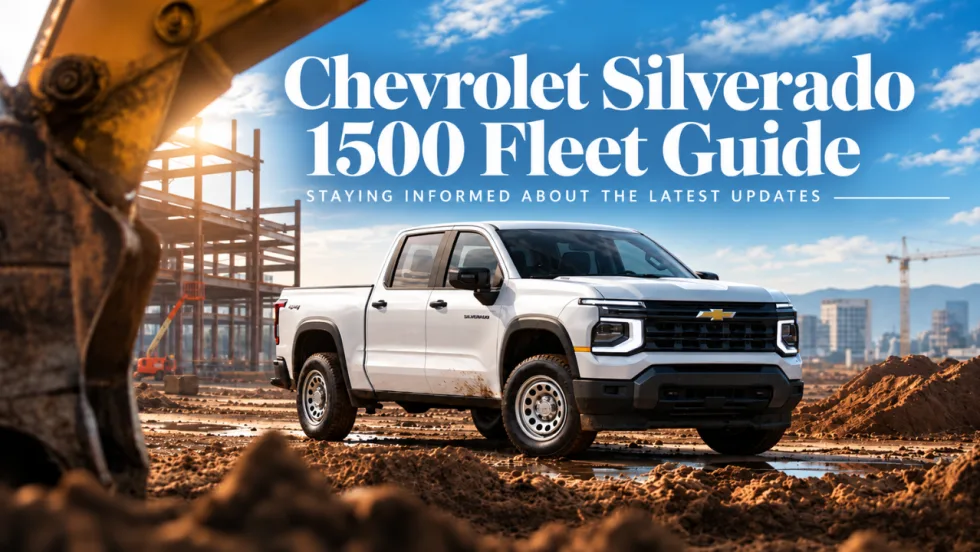
Chevrolet Silverado 1500 Fleet Guide Specs Capability and 2027 Model-Year Updates
The next-generation 2027 Chevrolet Silverado 1500 brings new V-8 engines, updated technology, expanded safety features, and a fleet-focused Work Truck. Here’s what commercial fleets need to know so far.
Read More →
Ram ProMaster City Fleet Guide Specs Cargo Capacity and 2027 Updates
Work Truck’s Ram ProMaster City Fleet Guide tracks the latest specifications, cargo capability, configurations, fleet technology, pricing, and model-year updates for Ram’s mid-size commercial van.
Read More →
Ford F-150 Fleet Guide Specs Capability and 2026 Model-Year Updates
Explore 2026 Ford F-150 fleet specs, engines, towing and payload capability, configurations, work features, technology, and model-year updates.
Read More →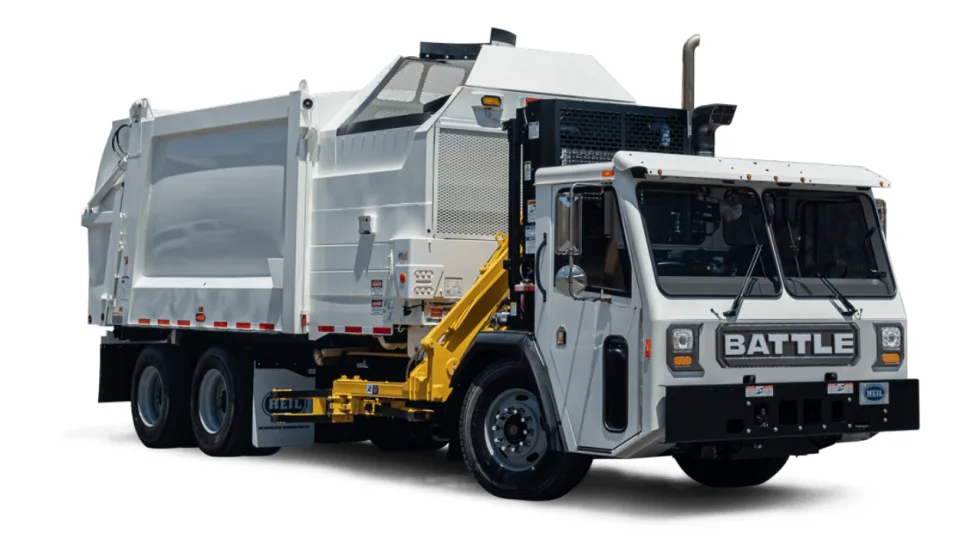
TCI Now Sells & Supports Battle Motors’ Vocational Trucks
Midwest truck dealer Truck Centers, Inc. (TCI) has expanded its transportation solutions with sales and service support for Battle Motors’ heavy-duty vocational trucks at locations in locations in Indiana, Illinois, and Missouri
Read More →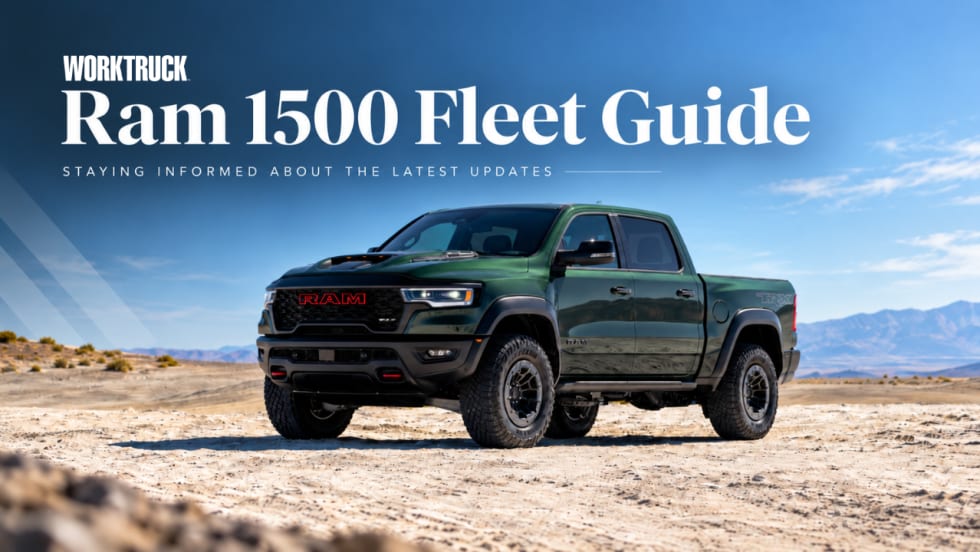
Ram 1500 Fleet Guide Specs, Capability and 2027 Model-Year Updates
Explore always up-to-date Ram 1500 fleet specs, engines, towing and payload capability, configurations, technology, pricing updates, and model-year changes.
Read More →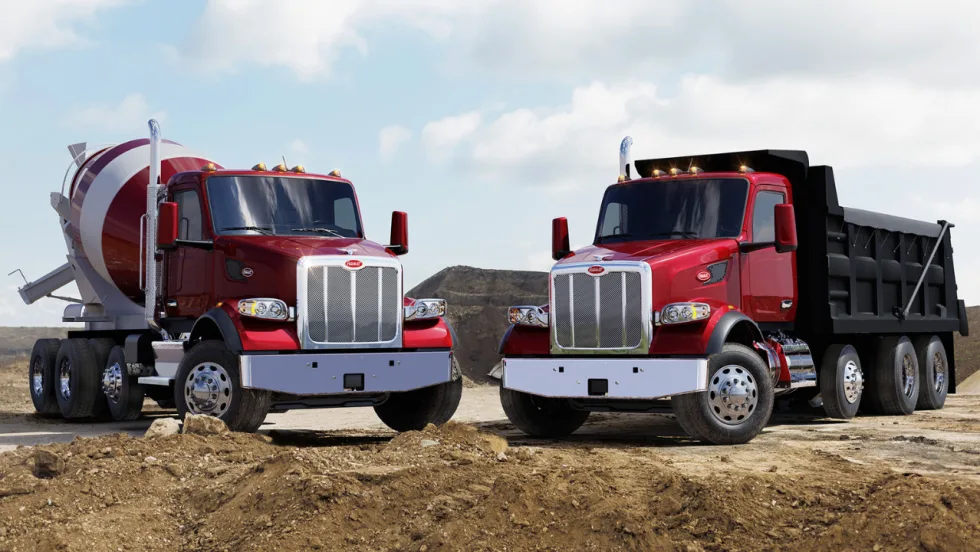
Peterbilt Trucks Equipped with Paccar TX-18 Pro Boost Efficiency for Maryland Fleet
Patuxent Companies is replacing aging trucks with the Peterbilt Model 567 and Model 589, specified with the Paccar TX-18 Pro 18-speed automated transmissions, and is reporting an 8% to 10% improvement in fuel economy.
Read More →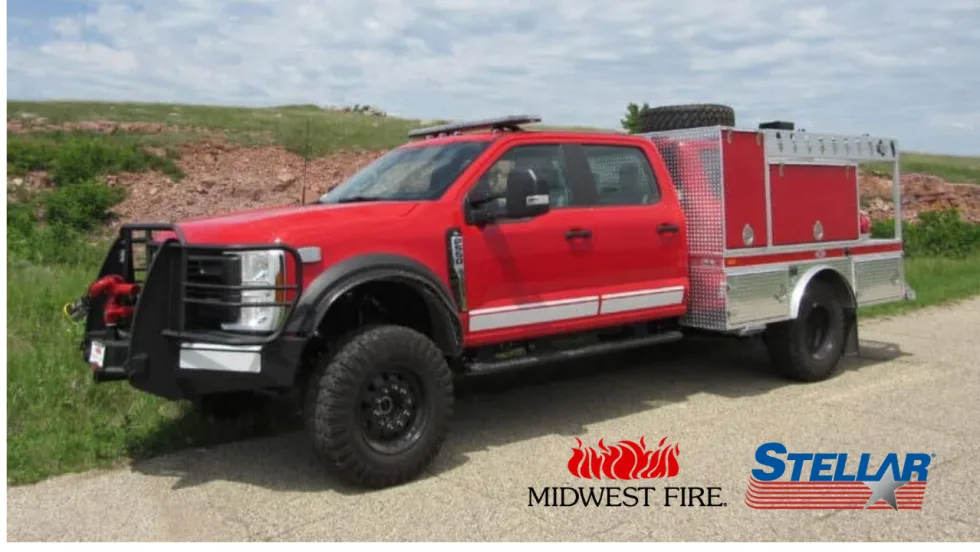
Stellar Expands into Fire Apparatus Market with Acquisition of Midwest Fire
Stellar Industries has acquired Midwest Fire, a custom fire apparatus manufacturer headquartered in Luverne, Minnesota, with nearly four decades of specialized apparatus experience.
Read More →
Recalls You Need to Know About in August 2026
If you have Altec, Chrysler, Ford, Heil, General Motors, International, Mack Trucks, Paccar, Rivian, Royal Truck, Toyota, US Truck Body, or Volvo Trucks vehicles in your fleet, you should check these important recalls issued by the National Highway Safety Administration.
Read More →